
The Xbox One August update released today allows for streaming to Windows 10 in 1080p and 60 FPS, along with other new features.
Here is the full update list:
1080p/60fps Game Streaming – You can now stream games from your Xbox One to Windows 10 devices in high-res HD quality at 1080p/60fps. The new streaming capability works best for gamers who have home networks with adequate bandwidth. In the Xbox app on Windows 10, go to Settings > Game Streaming and set the video encoding level to Very High, which will then stream games from your Xbox One to your Windows 10 PC at 1080p and 60fps (frames per second).
Right Click – You can now right-click on one of your friends and select Send Message or Invite to Party to more quickly connect with your friends.
Notifications – Starting today, you can enable or disable notifications for when you are invited to a party or a multiplayer game via Settings > General > Party & Games Invitations.
Recently Played – Now you will see an animated display alternately showing you how many friends have played each game along with the four most recent players. The display will then switch to show a second tile with your last played date, Gamerscore and Achievements percentage complete. If you click on the game, it will take you to the Game Hub, where you can see a list of all of your friends who have played the game sorted by most recently played along with their online status.
Compare Achievements with a Friend – You can now compare your achievement status with one of your friends who has played the game. From a Game Hub page, select Achievements > Compare at the top right above the list of all of the achievements.
My Games – We updated My Games to support a grid view with a jump list, where your games are now displayed in a grid sorted alphabetically. If you click on a letter, you can collapse the list and then select a specific letter of the alphabet to more quickly find a game. The list of games that are automatically discovered has been updated as well.
Add Games – The ability to manually add games to your collection that have a link in the Start Menu by selecting My Games > Add a game from your PC has been updated with a help link to help you add games to your collection.
The Xbox app on Windows 10 has also been updated to fix issues related to logging in, localization, and game streaming that some users have reported.
Source:
goo.gl/…Related Brainwaves
-
29th November
PlayStation 4 Units Sold to Consumers Outsells PlayStation 1
Sony recently announced lifetime shipment figures for the PlayStation 4 have surpassed 102.8 million units as of September 30, 2019. That puts shipment...
-
26th August
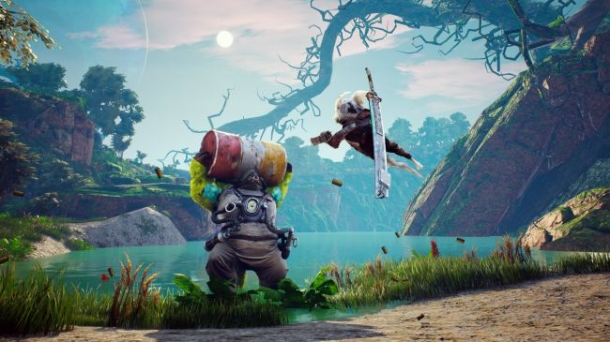
Biomutant is one of the most exciting demos at Gamescom this year
Despite the many post apocalyptic open-world games available today, I'm yet to play one inspired by kung-fu movies. Enter Experiment 101's Biomutant, a...
-
27th March
What is the answer for 122
-
27th March
stuck in episode 11
Trending Articles
-

18th June
Miyamoto says "He feels that he has made a bad game"
Legendary Game Designer Shigeru Miyamoto has told Kotaku that he feels that he made a bad game. Shigeru Miyamoto is famous for games like Metroid, Star...
-

6th January
Best RPG of 2014
When it comes to video games with deep stories, huge open worlds, and complex battle systems, nothing comes close to the RPG. Few genres are more diverse...
-
16th February
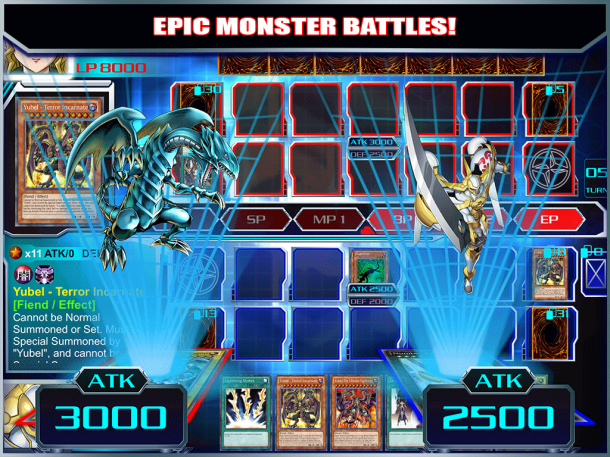
Yu-Gi-Oh! Duel Generation Hack Unlock All Pack, Deck Cheats
Yu-Gi-Oh! Duel Generation Hack Tool Get Free Unlock All Pack and Deck, tool works on Android and iOS (iPhone, iPad, iPod Touch), download tool Hack Tool...
-
21st January
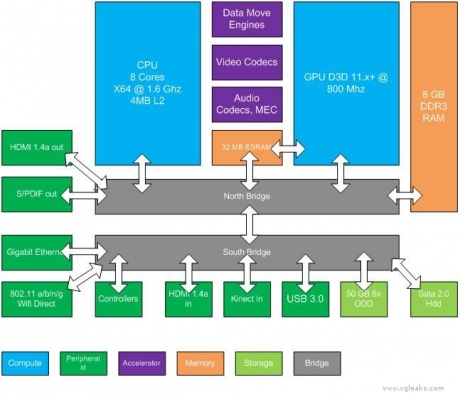
Rumor - Durango (Xbox 720) Specs Unveiled
As we promised during the weekend in the next weeks we will unveil Durango and Orbis. All the technical info you want to know about the next generation...
-
21st September
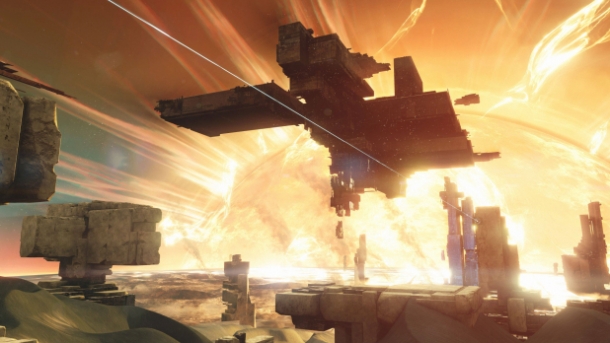
Rumour: New Planet Found in Destiny's Source Code
Gamers have found a new player vs player playlist and a new planet buried in Destiny's source code. The playlist is called Tales of Osiris and will take...

